
How to install the Shopify App
How to install the Shopify App
Please follow the steps below for installing the app.
-
Please ask your Client Success Manager for the link to the app in the Shopify store and navigate there in your browser.
-
Click on the ‘Add App’ link from the Shopify App store.

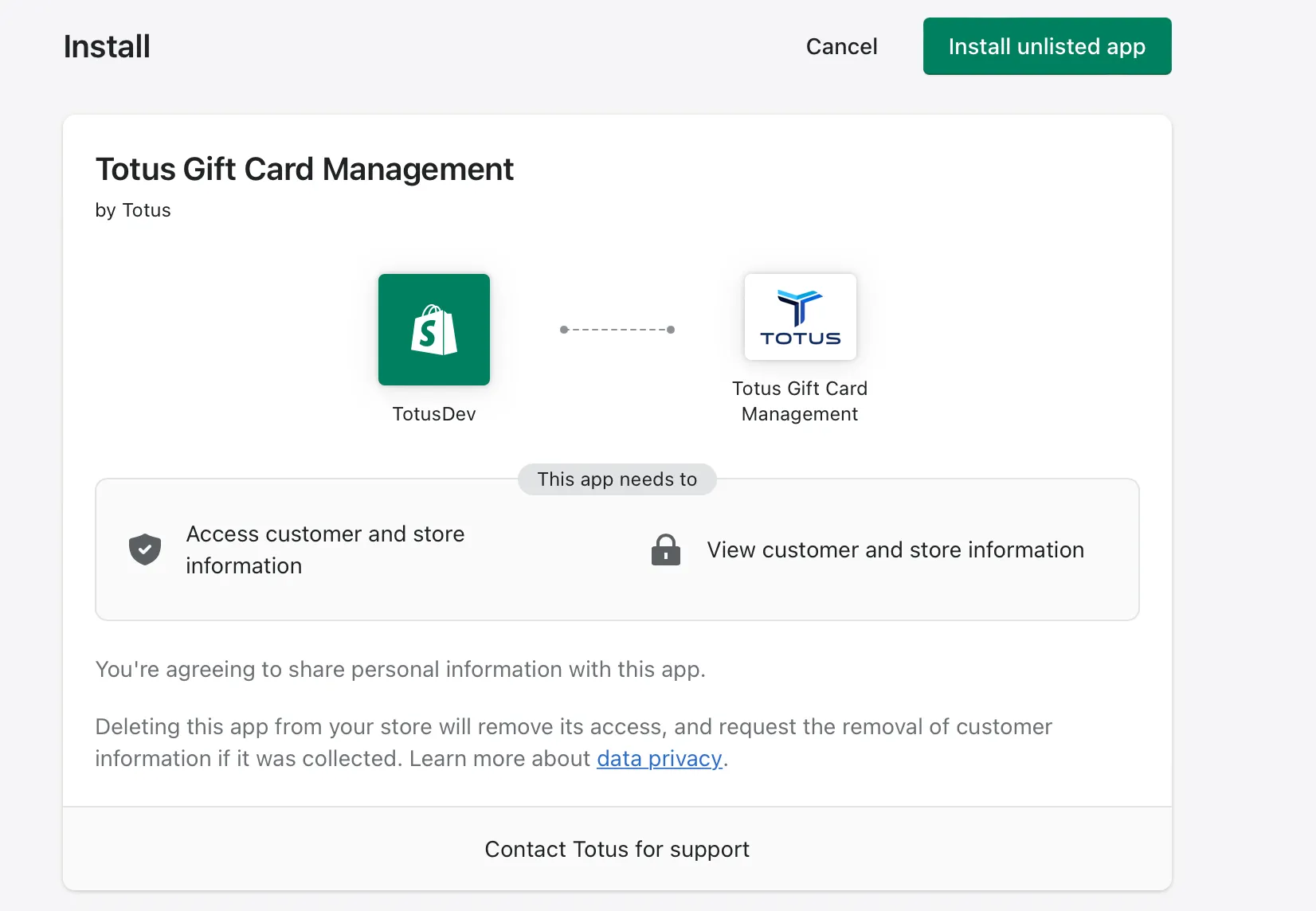
- You will be prompted to install the app. Please review the permissions and click the ‘Install unlisted app.’ We have more information in the data collection section of this guide that outlines what data we are collecting and how we use that data.
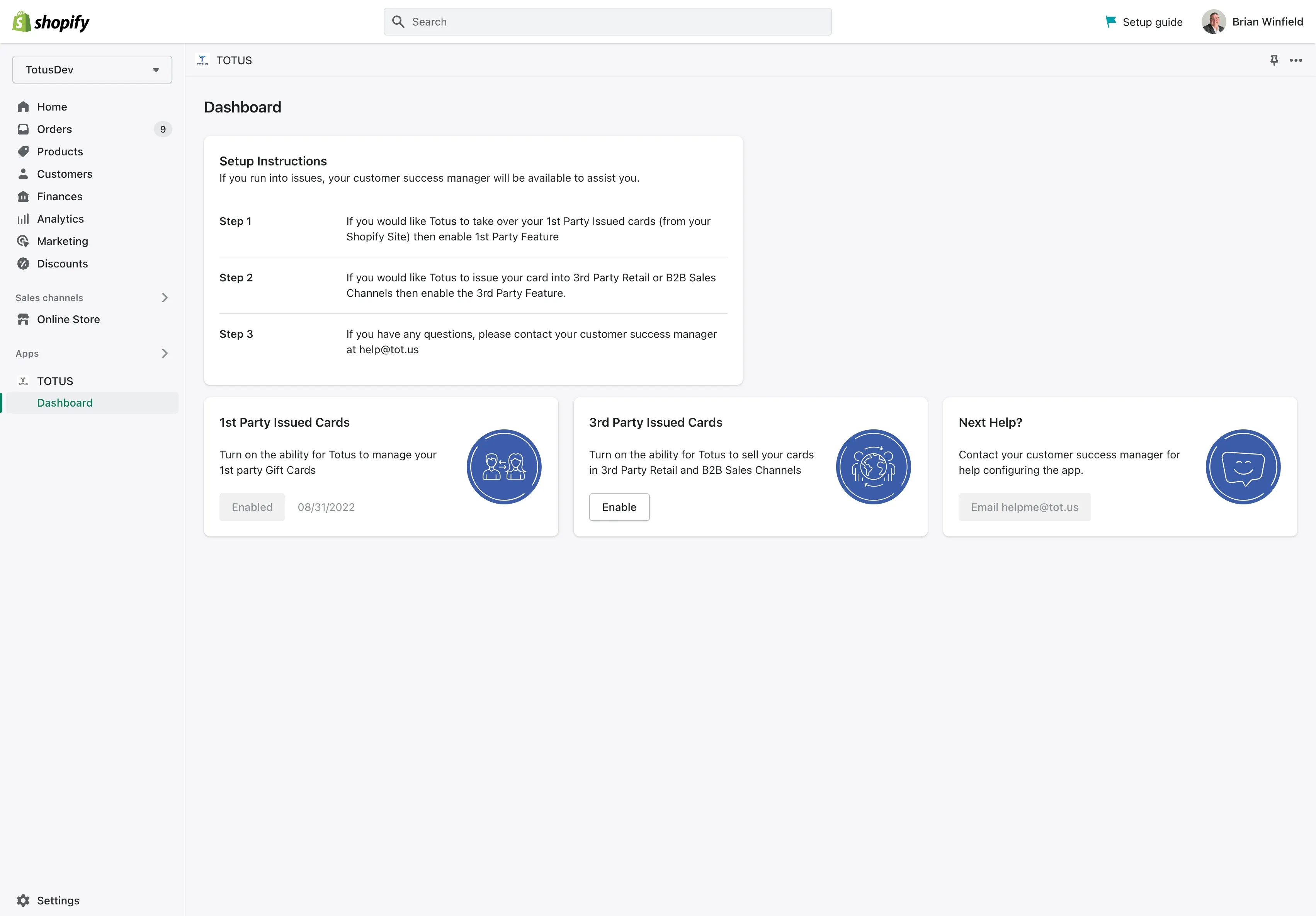
- Once installed you should now see the admin portion of the app. Please refer to the Configuration section of this guide on how to configure the app
Copyright © 2026 Totus.